
The gate code, your parking spot number, the Wi-Fi password guests ask for every single time, the suitcase lock code, the prescription reference number. They aren’t state secrets, and that’s exactly why they end up just about anywhere.
This article first looks at what people actually do, no judgment, then at what each option costs. At the end, one simple rule, and it’s not the one you read everywhere.
What everyone does, and what it really costs
The sticky note
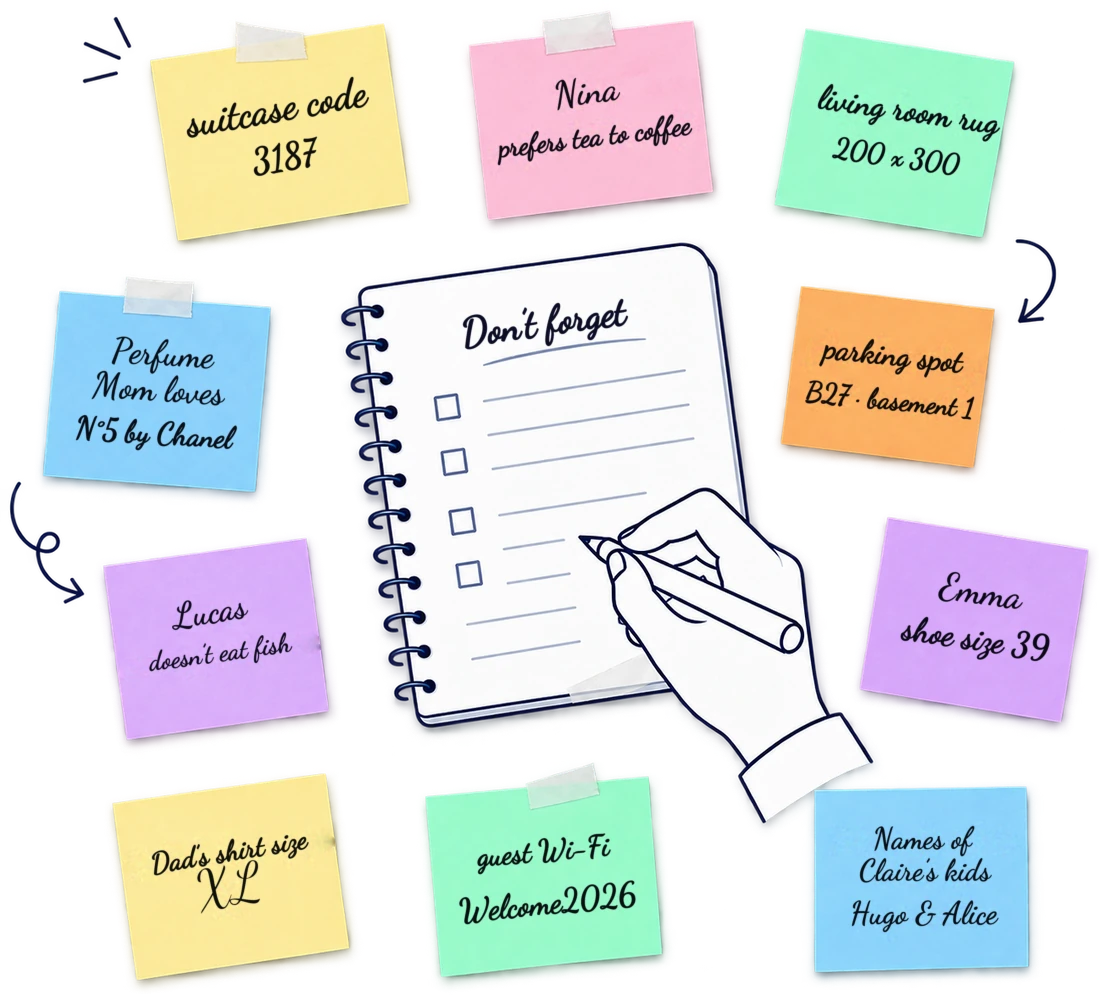
Quick, free, instant. And visible to everyone who walks by, unreadable in six months, lost the first time you move. The sticky note has only one flaw, but it’s a dealbreaker: it’s never with you when you’re somewhere else. And somewhere else is exactly where you look for a gate code.
Your phone’s notes app
Better, because it’s always in your pocket. Except that notes are called “Untitled,” there are two hundred of them, and the one you’re looking for contains the word “code” just like forty others. And above all, it’s all in plain view: opening your notes in front of someone means showing them the list.
A detail few people know: on iOS as on Android, a note can surface in system search, in suggestions, and in cloud backups. It travels more than you think.
The photo of your bank card or document
It’s the riskiest of the three habits, and the most common. The photo goes into the automatic backup, then the shared album, then the “memories” suggestions that pop up on your home screen. A card number can resurface, all by itself, in a vacation slideshow.
The password manager
Excellent, and we recommend it wholeheartedly for what it does: website logins. It’s also what the French authorities recommend, both the national cybersecurity agency, ANSSI (in French), and the data protection authority, CNIL (in French). If you keep only one security tip from this article, make it this one: a password manager, plus two-factor authentication.
But it’s built to fill in a login form. It isn’t built for “the sheets are in the dresser downstairs,” “Julie is allergic to nuts” or “the parking spot is B27 on basement level 1,” which are neither logins nor websites, and which make up most of what we’re trying to remember.
A word about the passwords that open accounts
While we’re at it, let’s be clear about this, because it’s the part where a mistake costs you dearly. Three things, and nothing else:
- A different password for every service. It’s the only point that truly matters: a reused password turns one site’s breach into a breach of all the others. You can check whether one of your email addresses already appears in a known breach on Have I Been Pwned.
- Two-factor authentication wherever it’s available. It protects you even when the password has leaked, which is the most likely scenario.
- A long passphrase rather than a complicated word. Four unrelated words beat “P@ssw0rd!” on every front, including remembering it.
What follows isn’t about that anymore. It’s about everything else, meaning the vast majority of what you need to find again.
Three questions to ask before you store something
- Does it show up over my shoulder? Sensitive information shouldn’t appear in a list, a preview or a notification.
- Will I find it with the words I’ll have in mind that day? You won’t search for “parking code,” you’ll search for “what level was it again.”
- Will it survive my phone? Phones get dropped, stolen, drowned. What exists in only one place doesn’t really exist.
The right question isn’t “is it well organized?” It’s “will I find it in six months, without remembering I ever put it away?”
The third question is the one people forget most often, and it’s the only one whose answer can’t be fixed after the fact. As for the second, the mechanism is explained in our article on the forgetting curve: you never search with the words you wrote.
What we built, and why we built it this way
MemoryPilot has a dedicated family called the Vault. What goes in never shows up in a list: you read “Gate code,” never the code itself. It’s revealed when you ask for it, one memory at a time.
You don’t pick the family
This is the point everything else depends on. A system that asks you to file things is a system you’ll abandon, because filing is a decision, and a decision for every note ends up costing more than forgetting. You write “the gate code is 4512” and it goes into the Vault without you choosing anything.
Search runs on your phone
Your memory is indexed locally and searched in a few milliseconds, with no network. It’s not just about speed: it means finding something sends nothing anywhere, and it works in an underground parking garage, which is exactly where you look for a parking code.
What encryption does, and what it doesn’t
The backup that goes up to our servers is encrypted with a key specific to your account. A copy of the database reveals neither your text, nor your titles, nor the names you mentioned. End-to-end encryption, where only your phone holds the key, is in the works; everything we do and don’t do is written down in our privacy policy, limits included.
And if you want to understand why this kind of information evaporates so fast, the mechanism is in the forgetting curve. If you want to know what a digital memory can really do, and what you’re wrongly being promised, it’s in the digital twin.